



Improving Your Parts Inventory Management
Computerized systems can improve parts department efficiency and make a mechanic's job easier.
Whether you’re operating 10 or 100 or 1,000 school buses, the key to overseeing an efficient parts management program is proper tracking and sorting of information. Of course, that’s the key to almost everything. The day-to-day reality is quite a bit more complicated, especially for school transportation operations, which typically maintain school buses as well as service vehicles, tractors, riding lawnmowers and almost every wheeled device owned by the school system. That doesn’t change the fact, however, that an orderly parts management system revolves around processing information in an accurate and timely manner. So how do you determine what your needs are? The first litmus test might be: paper or paperless shop? That is, do you need computers to help you track your maintenance operation? Or can you rely on paper and pencil and legible handwriting?
Efficiency is key
These days, there are few school bus shops that couldn’t improve their efficiency through computerization. Even a three-bus operation, with a highly limited inventory, needs to track parts usage to determine breakdown patterns, warranty status and vendor price histories. Other things that computers can help with include determining cost per mile, tracking fuel usage, scheduling preventive maintenance and preparing work orders, purchase orders and reports. Moreover, the barriers to owning a computer have fallen, especially price-wise. Setting up a single workstation can cost as little as $1,000. And, if your school district is upgrading its equipment, you can probably cadge a hand-me-down system for free. Modern computers are, for the most part, easy to learn to use, especially those with a graphical user interface, like Windows or Macintosh operating systems. Five years ago, Robert Krantz had never even touched a computer. Today, he’s the master of a computerized inventory system for a fleet of more than 100 school buses and 50 service vehicles at Tyler (Texas) Independent School District. "It tells you anything you need to know," Krantz says. There’s no doubt that computers can simplify the task of tracking shop information, but the tricky part is finding a software package that is right for your operation. Here are some key features that you should be looking for:
User-friendliness — You could have the industry’s most sophisticated, versatile and powerful inventory control software, but it would be virtually useless if your employees couldn’t operate it. "Ease of learning is critical if you want to set up a paperless shop," says Jann Pence, parts manager at Shoreline (Wash.) School District #412, which operates 72 school buses and 84 service vehicles. "We want our mechanics to be able to input the data for their work orders. It helps if the software has prompts at the bottom so you never get lost." While there’s no doubt that ease of use should be evaluated by fleet managers when they’re shopping for software, it shouldn’t be the overriding consideration, says Charles Arsenault, president of Arsenault Associates in Atco, N.J. "What a lot of people are missing is that it’s not the input, it’s the output," Arsenault says. "It’s the reports that are important, because it’s the summary data they use to make their decisions. A lot of software, particularly in the fleet maintenance field, produce good lists of information but don’t get around to accumulating it in any fashion that a fleet manager can utilize."
Compatibility — Ensure that the software package is compatible with your computer system, whether it’s a sophisticated client-server network or a single notebook computer. Some software is designed for a network environment and might be too much product for your standalone workstation. Or its system requirements may outstrip your computer setup. For example, the Fleetmaint2000 package developed by DP Solutions Inc. in Greensboro, N.C., is Windows/PC compatible but recommends a minimum of 32 megabytes of RAM for operating within Windows 95/98, with 64 megabytes or more highly recommended. In a Windows NT environment, the company suggests at least 64 megabytes. If you have multiple shop locations, you should ensure that the software allows for that. You should also find out if you can run the new system in parallel with the old one during a test period.
Demo available? — Nearly every software company can send you a demo of its program (some can be downloaded from the Internet). Although some of these demos are merely flashy presentations, others allow you to plug in real-world data from your operation. In other words, you can give it a test drive in your own garage. This type of trial demo can help to identify the pros and cons of each software package and is worth any extra time that may be required.
Is it industry specific? — Some of the maintenance software used by school bus fleets is actually designed for trucking firms. "One of the more frustrating things about our current program is that it isn’t particularly tailored to school buses," says Pence of Shoreline School District. However, Pence adds that the previous software system used by the shop was designed for school buses but had major programming problems. "It would crash, and we would call them up and they would say, ‘Sorry you lost all your data,’" Pence says. "That was tremendously frustrating." One of the few systems designed specifically for school transportation is FleetPro by Edulog in Missoula, Mont. Edulog’s routing and scheduling software is the best-known and most widely used system in pupil transportation. FleetPro is a spin-off of that success. "We don’t even sell it to the over-the-road trucking industry," says Tom Mullins, director of facilities management support. He says the company’s goal is to merge the fleet maintenance and routing software into a single large program. "But we’re not there yet," Mullins says.
Reorder notification — One of the key features offered by nearly all parts inventory programs is notification when stock reaches a minimum level. Some programs will automatically notify the user when the parts level gets low, while others will produce that information only when asked for it. One program takes this process a step further. Navistar International’s Diamond Connection is an inventory management system that tracks parts usage and inventory and downloads the information to a local dealer every night. In the morning, the parts manager has a recommended stock order sitting on his desk. Dean Kesling, service manager at St. Lucie County School Board in Port St. Lucie, Fla., has been using the Diamond Connection for three years. It has helped him organize the inventory system from "non-controlled" to highly efficient. "It has been a godsend," Kesling says. When he first installed the Diamond Connection, the inventory was estimated at $350,000. Now, it’s down to $118,000. "We were able to find out what we did and didn’t need to have," he says. Using the system, he’s built a 98.8 percent accuracy rate on 23,000 parts in stock. The district operates 375 school buses. As much as he praises the Diamond Connection, Kesling says his district is shopping around for a fleet maintenance package with a built-in parts inventory module. "We’re outgrowing it now," Kesling says of the Diamond Connection. "For what it does, it’s very good," he explains. "But it’s only a parts inventory program and doesn’t generate work orders. When you generate a work order for a monthly safety inspection, you automatically know that you’ll need to have a certain number of filters and quarts of oil and this and that." Combining work orders and parts inventory into the same system will help to anticipate those types of parts orders, he says.
Bar-coding option — Many software packages support a bar-coding system for inventory control. The bar codes can be printed out and applied to parts or bins. This feature also requires the purchase of a bar-code scanner, but it can increase efficiency and make life easier for technicians who aren’t accurate typists. Jack Johnson, transportation director at Hamilton County Department of Education in Chattanooga, Tenn., says a bar-coding system is definitely a worthwhile investment. "We’re trying to remove the human error of keying in the wrong information," Johnson explains. Those errors, he says, can be difficult to track down, especially considering that his shop operates 24 hours a day. "Moving as fast as we do, either you catch the error within 24 hours or it can get away from you for days," he says.
Price — This might be the most difficult criterion to gauge properly. You can spend less — and get less, but you can also spend more — and get less. And there’s no good rule of thumb about software prices. "In this industry, there doesn’t seem to be a relationship between product and price," says Arsenault, "because these fleet managers are buying a product that’s not in their expertise." On the low end, software alone (not including the cost of technical support and upgrades) can run from $1,000 to as much as $20,000. Admittedly, that’s a huge range and not much help in narrowing down the field, but prices can vary according to fleet size. Freightliner Corp.’s Fleet Assistant maintenance package is only now being marketed to school bus operators after years of use in the heavy-trucking industry. According to John Fulton, manager of Freightliner’s software sales, the package sells for $4,000 for up to 75 vehicles. There’s also a 20 percent annual fee for technical support and two upgrades.
Technical support — More than likely, you’re not going to be able to load, launch and master the software without some assistance from the software company. If you have experienced computer users on staff, technical support may not be a big issue. But, if you’re installing and using fleet maintenance software for the first time, you might want to do some homework. The best way to investigate the level of technical support provided by the software company is to confer with other school bus operators who are already using the software. Ask the company for a list of current customers, preferably in your neck of the woods. The intelligence that you gather may not seal the deal, but it could derail it if the references complain about unreturned phone calls, poor technical knowledge and unresolved problems.
More Maintenance

Cummins on Smarter, Simpler Engine Innovation
Cummins discusses its first-ever gasoline engine for school buses, EPA 2027, and why bus fleets still want durable, simpler internal combustion options.
Read More →
Report: 72% of Diesel School Buses Now Use Advanced Low-Emission Engines
New data shows advanced low-emission diesel technology continues expanding across school bus fleets, even as electric bus adoption gains momentum.
Read More →
Vampire Tools' CAIMAN 7.5-Inch Multi-Purpose Screw Extractor Long-Nose Pliers with Crimper
Vampire Tools introduced the VAMPLIERS Caiman 7.5-inch multi-purpose pliers, combining screw extraction, cutting, crimping, and gripping functions into a single tool designed for fleet maintenance professionals.
Read More →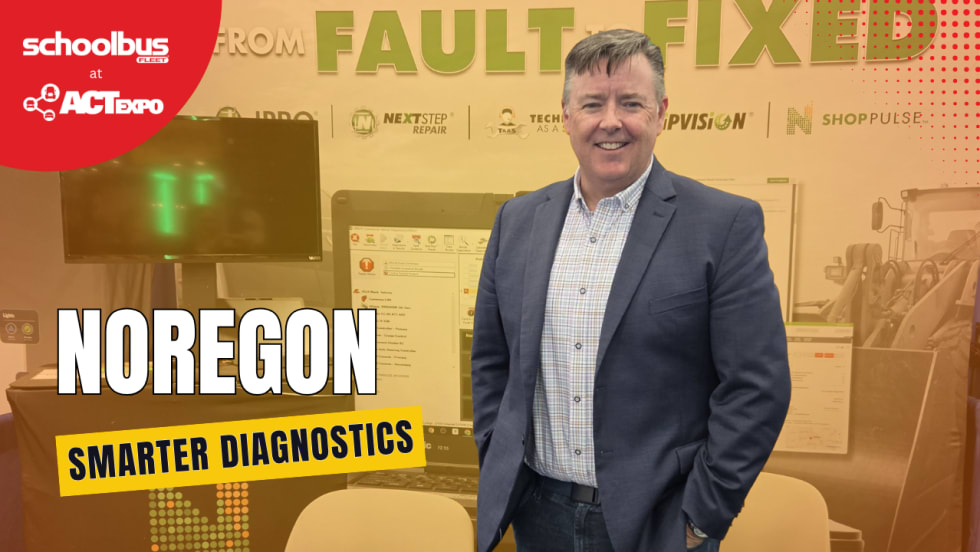
How Advanced Diagnostics Helps Bus Fleets Stay Ahead of Repairs
Chat with Noregon’s Kevin Smallhorn at ACT Expo about bus diagnostic tools, telematics integration, CNG maintenance support, and strategies to help reduce downtime and improve uptime.
Read More →
How School Bus Fleets are Getting Ahead of Breakdowns
Don’t let bus downtime wear you down. Here’s how bus operators are shifting from manual processes to AI-powered, data-driven maintenance systems for improved reliability and safety.
Read More →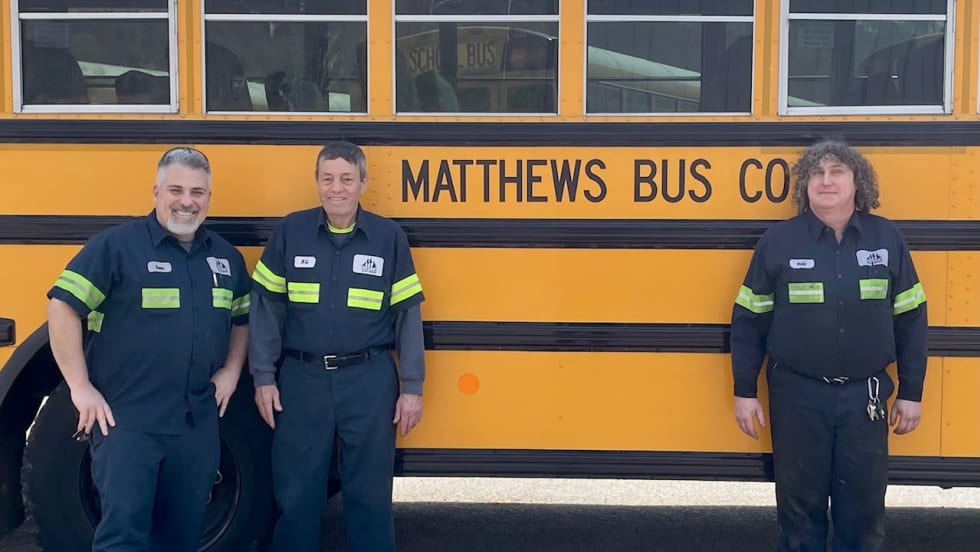
Pennsylvania School Bus Maintenance Team Praised for Dedication to Safety
Matthews Bus Company’s West Jefferson received a letter of commendation from the Pennsylvania State Police for their fleet inspections.
Read More →
2026 State of Student Transportation Report
Student transportation teams are being asked to do more with less, facing driver shortages, rising costs, and increasing safety expectations. This report uncovers how fleets are adapting, where technology is making the biggest impact, and why student ridership tracking is emerging as a top priority. Download the report to explore the key trends shaping 2026 and what they mean for your operation.
Read More →
From Chaos to Clarity: How School Districts Are Running Leaner Transportation Operations
Covering 38 routes on a Friday afternoon. Buses idling while routes overlap. Parents calling nonstop about late arrivals. Sound familiar? This whitepaper explores how district transportation leaders solved these exact problems — and what measurable results followed.
Read More →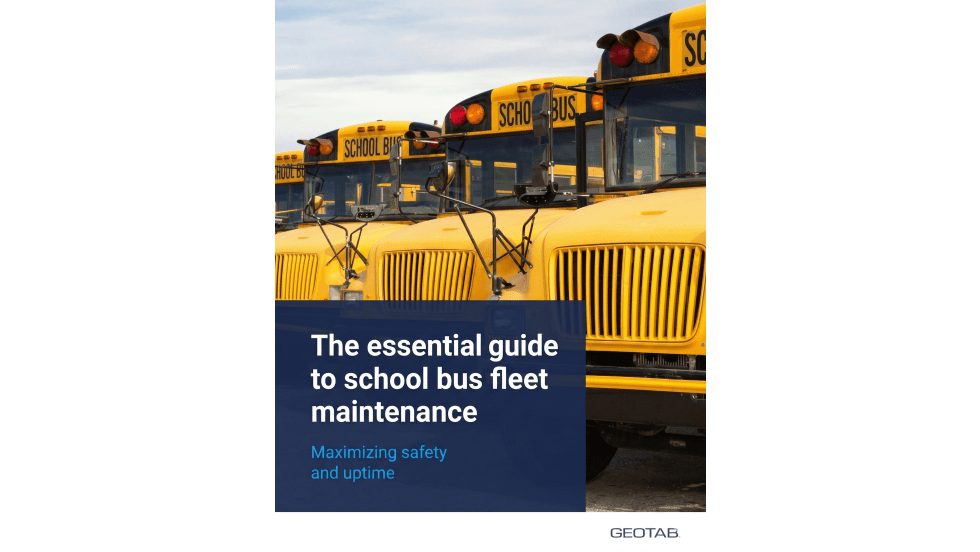
The New Playbook for Safer, Smarter School Bus Maintenance
As school districts juggle aging buses, technician shortages and rising safety expectations, proactive fleet maintenance is becoming essential. This guide explores how telematics, predictive maintenance and real-time vehicle data can help transportation departments reduce breakdowns, extend vehicle life, improve compliance and keep students safer on the road.
Read More →
2026 School Bus Fleet Vendor Directory & Buyer's Guide
Searching for the right equipment, technology, or services for your school transportation program? This industry guide brings together manufacturers and suppliers across the entire school bus market, all in one place. Download it to find the partners who can help move your operation forward.
Read More →